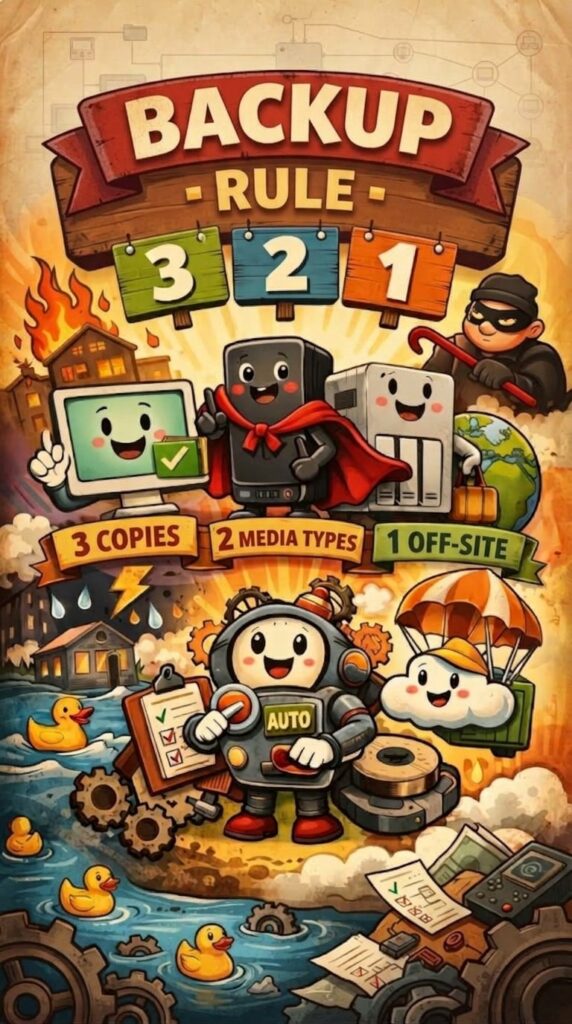
Automatic backup: the 3-2-1 rule
The 3‑2‑1 rule is one of the pillars of data protection. It has been repeated for years by system administrators, cybersecurity experts and IT professionals, because it works in a simple and reliable way, even for those without advanced technical skills.
The idea is this:
Have three copies of your data, stored on two different types of media, with at least one copy kept off-site.
This compact formula contains a structured approach that drastically reduces the risk of losing important information due to failures, human error or unforeseen events.
1. Three copies: why “one backup copy” is not enough
The first copy is the original file, the one you use every day on your computer. The second is a local copy, kept on a separate physical medium. The third is a remote copy, designed to protect you from more serious events.
Having three copies is not pointless redundancy: it is a strategy that takes the different types of risk into account.
- Human error - accidental deletion, overwriting, unintentional formatting.
- Hardware failure - a disk that breaks, a NAS that stops working.
- Catastrophic events - fire, flooding, theft, ransomware.
Three copies mean that, even if one or two are compromised, the third can save you.
2. Two different media: diversify to reduce risk
The second copy must live on a medium different from the main disk. This can be:
- a USB external drive,
- a NAS in the office,
- an internal server dedicated to backups.
The advantage is simple: if your computer's disk fails, it is unlikely that the external disk or NAS will fail at the same time. Diversifying media means preventing a single problem from wiping out all the copies.
3. One off-site copy: protection against the most serious events
The third copy must be kept far from where the other two are. It can be:
- a reliable cloud storage service,
- a disk physically taken elsewhere,
- a backup on a remote server.
This copy protects you from events that affect the entire physical environment: fire, flooding, theft, sabotage, ransomware hitting the internal network.
It is the component that turns a “home-made” backup into a professional strategy.
⚙️ Automate everything: the real secret to a reliable backup
The most important part of the 3‑2‑1 rule is not just where you put the copies, but how you manage them.
A manual backup only works as long as someone remembers to do it. And in practice, this is the weak point of almost every backup strategy.
That is why it is essential to automate:
- a scheduled script that copies files at regular intervals,
- a backup software that monitors the folders and syncs in the background,
- a cloud service that performs versioning and continuous synchronization.
Automating means eliminating human error, which is the most frequent cause of data loss.
Periodic check: the step almost nobody takes
A backup is not really a backup until it has been tested.
Recovering a test file, at least once a month, lets you verify that:
- the copies are up to date,
- the software works correctly,
- restoring is actually possible.
In fact, many services can stop synchronizing if the disk is full, if the account has problems or if an update changes the client's behavior. A periodic test is the only way to notice.