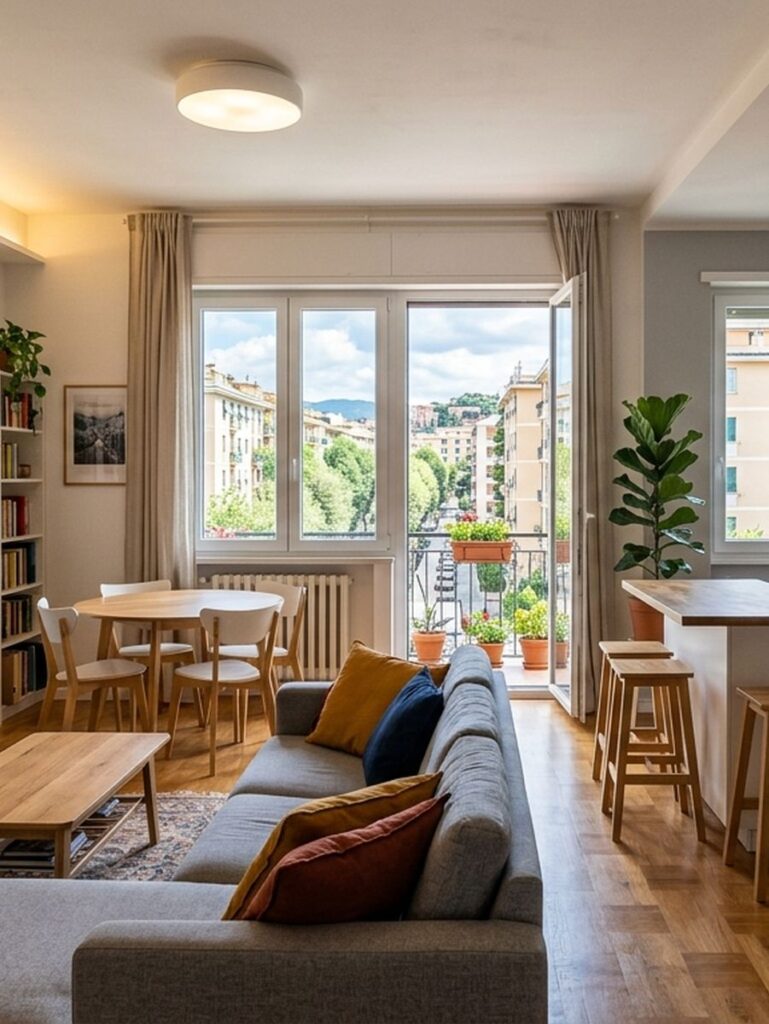
Empty and furnish a room in any style with AI
From a blank sheet to professional Virtual Staging: the two-phase technique that keeps the room's architecture intact and changes the look in seconds.
The Problem
Anyone who uses AI image generators for interior design or virtual staging has run into this limit: uploading a photo of a real room and asking to change the furniture almost always produces chaotic results. The AI tends to overlay the new furniture on the old, to blend the textures of the existing wardrobes with the new sofas, or to distort the original architectural lines (moving windows and doors and altering ceiling heights). The result is an unnatural overlap that loses all value as a realistic render.
Technical Context
Until now, achieving a clean, rigorous "virtual staging" required complex 3D modelers (such as 3ds Max or Blender) or long and tedious manual Inpainting sessions on Stable Diffusion to erase things element by element. Keeping the room's geometry intact (the exact position of the walls, the window light sources and the flooring) while completely replacing the interior layout without generating visual artifacts or "ghostly furniture" is the real challenge of Generative Spatial Engineering.
The Solution
The breakthrough is not in asking the AI to "replace the sofa with a gothic style", but in splitting the process into a sequential technique with 2 constrained phases:
Phase 1 (Emptying): Isolate the raw architectural structure by generating a completely empty version of the room (empty bare shell room), strictly preserving the original perspective and natural light source.
Phase 2 (Stylistic Re-furnishing): Use the empty room as the base reference canvas and inject furnishing prompts anchored to defined macro-styles (from the dark elegance of Gothic to the minimalism of Futuristic).
A Technical Curiosity
The secret to stopping the AI from changing the room's structure or creating floating furniture? Use spatial constraint terms and explicitly specify an architectural photographic lens (e.g. 18mm wide-angle architectural lens) to lock the perspective plane. This approach has been optimized to deliver the best results both on latest-generation visual models such as ChatGPT (Image 2.0 / DALL-E 3) and for handling rendering vectors on Midjourney (v6) and Adobe Firefly.
The Call to Action
Want to find out the exact text formula to master this technique and apply it to your own spaces? Watch the video tutorial below or download our ready-to-use resource.